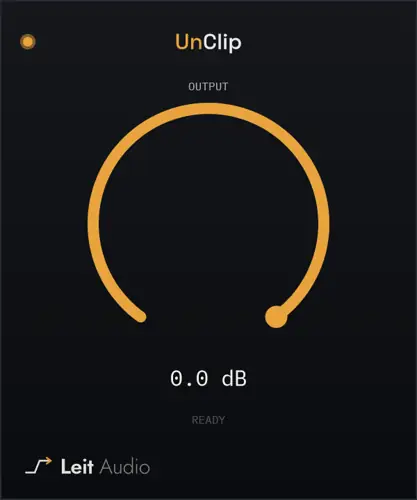
UnClip
11 MB
Clipping restoration. UnClip repairs short peaks damaged by hard digital clipping. It detects flat-topped overloads, reconstructs a plausible waveform through the damaged area, and changes only the samples it identifies as clipped. There is no threshold or repair amount to set — insert it on the damaged track, create output headroom if needed, and let it work.
01. Find clipping below 0 dBFS
UnClip looks for the shape of hard clipping instead of assuming the damage sits at 0 dBFS, so it can still recognize peaks that were clipped and turned down later.
02. Rebuild the curve
Accepted flat-topped peaks are reconstructed from the clean samples around them. Only the samples identified as clipped are written back to the output.
03. Make room after repair
Output trims the reconstructed signal by up to 24 dB when you need headroom for repaired peaks before EQ, compression, saturation, or export.
How to repair hard-clipped peaks after recording


UnClip.1.0.0 ( 11 MB )